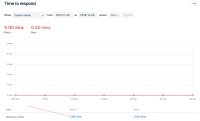
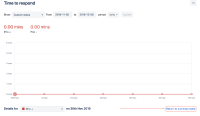
Clicking on "Return to summary table" in JSD reports throws error

XMLWordPrintable

    • 1
    • Severity 3 - Minor

      Steps to Reproduce

      1. Access any custom report of a JSD project;
      2. In the 'Show' option, select Custom dates;
      3. Click to show data of any series;
      4. Click on Return to summary table

      Expected Results

      You go back to the summary table

      Actual Results

      You see the error below

      Workaround

      Use the browser's "Back" button.

        1. print3.png
          print3.png
          30 kB
        2. print2.png
          print2.png
          138 kB
        3. print.png
          print.png
          135 kB

            Assignee:
            Unassigned
            Reporter:
            Victor Romero
            Votes:
            0 Vote for this issue
            Watchers:
            3 Start watching this issue

              Created:
              Updated:
              Resolved: