-
Type:
Suggestion
-
Resolution: Unresolved
-
Component/s: Product - New Navigation
-
5
When a user creates an objective within an Epic or Feature using the old OKR experience, the association to the work item is automatically applied. However, in the new OKR experience, users must create OKRs through the wizard and manually select the work item, even when adding it from within the work item itself.
Comparison: Old Experience vs. New Experience
- In the old experience, navigate to the Epic or Feature grid, go to objectives, and click +Add. The new objective grid opens and automatically aligns with the work item.

- In the new experience, following the same steps and clicking the +Add option in objectives triggers the OKR wizard, requiring the user to manually add the work item.
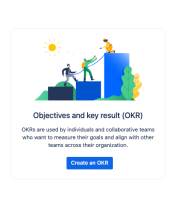

The customer has requested enhancements to the new OKR experience to make it more similar to the old experience.


- is related to
-
PS-175057 Loading...
- resolves
-
-
-
-