-
Type:
Bug
-
Resolution: Fixed
-
Priority:
 Low
Low
-
Affects Version/s: 10.122.3
-
Component/s: Product - Global Search, Product - New Navigation
-
None
-
5
-
Severity 3 - Minor
-
No
-
None
Issue Summary
New Navigation: Global search icon stops working after opening item in search result
Steps to Reproduce
- From homepage, click the Global Search icon

- Search for a work item (e.g. Story) and open it from the search result
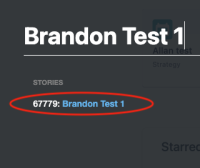
- Close the work item slide out to return to the homepage
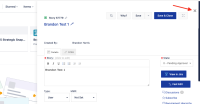
- Click on the Global Search icon



Expected Results
Global search window should open
Actual Results
Global search window does not open. Icon is unresponsive.
Workaround
Refresh the page


- is related to
-
JAAND-2673 Loading...
- mentioned in
-
- resolves
-
-
-
-
-
(2 resolves)