-
Type:
Bug
-
Resolution: Won't Fix
-
Priority:
 Low
Low
-
None
-
Affects Version/s: 10.106.4
-
Component/s: Jira Connector - Sync
-
1
-
Severity 3 - Minor
-
No
Issue Summary
Removing Jira Align Story Effort points value by selecting "Select one" from the drop-down fails to sync to Jira. During the next sync, Effort points will revert back to match Jira side Story Points.
Steps to Reproduce
- Create story in Jira with a Story Points value (e.g. 5)
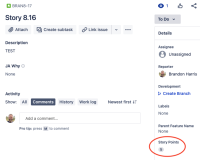
- Allow to sync and confirm Jira Align Story shows matching Effort points (e.g. 5)
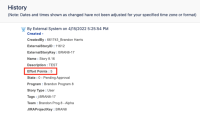
- Delete the Story Points value in Jira (null)
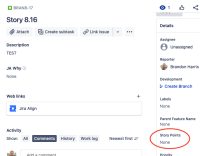
- Confirm change syncs to Jira Align
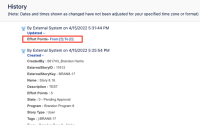
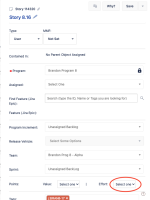
- Change Effort points back to a numeric value and confirm this syncs to Jira
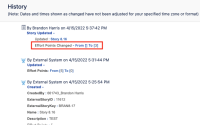
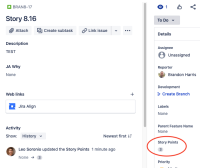
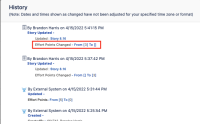
- Delete Effort points value... i.e. select Select one from drop-down and click Save.
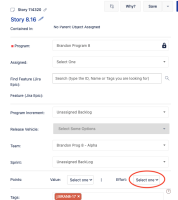


Expected Results
Connector should sync the null Effort points value to Jira and clear Story Points field
Actual Results
Connector does not sync this change down to Jira. Instead, when next sync occurs, the Connector will revert / overwrite Effort points back to match Jira side Story Points value.

Workaround
Currently there is no known workaround for this behavior. A workaround will be added here when available


- is connected to
-
JAIAC-1847 Loading...
- resolves
-