-
Type:
Bug
-
Resolution: Duplicate
-
Priority:
 High
High
-
None
-
Affects Version/s: 6.3.11, 6.3.12
-
Component/s: None
-
6.03
Steps to Replicate
- Create a new board on a brand new installation of JIRA and JIRA Agile:


- Click on the Create a Scrum Board with sample data link:
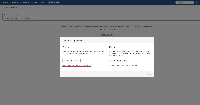

- Click on the Create Board button:
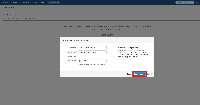

- Click on any of the tickets. In this case, we clicked on the SSPA-10 and then click on the highlighted link to open it on the View Issue screen:
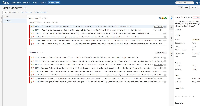

- Under the Agile section, click on the Sprint link which it belongs to:
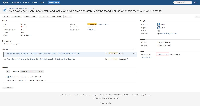

- You will be presented with the following screen:
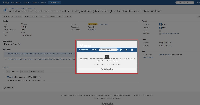

It seems that the http://<BASE_URL>/secure/GHGoToBoard.jspa?sprintId=<SPRINT_ID> is broken somehow.
Note
This was also tested on other boards in general. Reproducible in Google Chrome, Mozilla Firefox, and Internet Explorer.


- duplicates
-
-

- Closed
-
- relates to
-
-

- Closed
-