-
Type:
Bug
-
Resolution: Duplicate
-
Priority:
 Medium
-
None
-
Affects Version/s: 6.3.8.1
-
Component/s: None
-
6.03
Overview
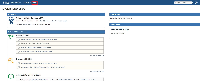
- Installed a fresh instance of JIRA 6.2 rc1. As we can see here, the Agile tab will appear by default. Take note that hovering on the tab will refer back to the Base URL of the JIRA instance. What it means is that when you click on the Agile tab, nothing happens:

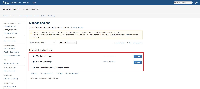
- To double check on this, we navigated to the Manage add-ons page but we can confirm that JIRA Agile is not installed:

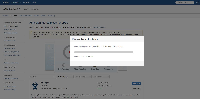
- We proceed to download and install the latest JIRA Agile 6.3.8.1:

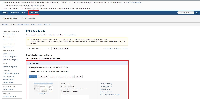
- This is where it gets interesting. As we can see in the screen shot, we have 2 Agile tabs. The one on the left links is the broken tab and the one on the right points to the correct link:

- After that, we proceed to uninstall JIRA Agile from the instance:
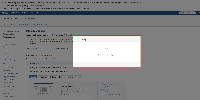

- Both Agile tabs are not present in the menu anymore:
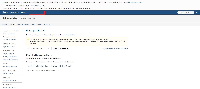

Update
Apparently JIRA 6.2 rc1 introduces a system plugin called JIRA Agile Marketing Plugin which displays the Agile tab after the installation is completed:

If this plugin is disabled, the "broken" Agile tab will not appear. Perhaps there should be a clearer indication that this is exclusively a marketing plugin rather than the Agile plugin itself so that there is no confusion for JIRA Agile users.


- duplicates
-
-
- Closed
-