-
Type:
Bug
-
Resolution: Fixed
-
Priority:
 Low
Low
-
Affects Version/s: 5.2.7, 5.2.11
-
Component/s: None
-
5.02
Steps to reproduce the problem
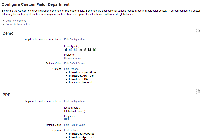
- Create a select list custom field, with two context and few options. Follow the configuration below.
- Create multiple issues with the values.
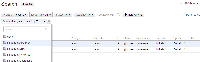
- Search for the issues of Project A and choose all custom field values. It should be looks like this:
- Update the Project A to Project "Demonstration" then change back project "Demonstration" to Project A.
- There is a duplicate custom field value appear in screen, please see the following image:


- copied to
-
JRADEV-19511 Loading...