-
Type:
Bug
-
Resolution: Fixed
-
Priority:
 Medium
-
Affects Version/s: 2.3.2, 2.3.3, 2.3.4
-
Component/s: Directory - Internal/Delegated
-
None
Trying to update the 'Delegated Auth' directory type results in a error "There was an error in updating the directory. Please check the fields to ensure all entries are valid."
Steps to reproduce
- Create a Delegated Authentication Directory
- Go through the steps to setup the Detail/Connection
- do not select option to Synchronise Group Memberships
- On the Configuration tab, press update
- Error:
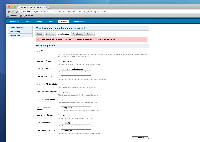
- This occurs whether or not you've made any changes

Looking over the crowd source we found that the Delegated Auth directory is still checking for group related fields even though this should not be the case.
Workaround
- enable Synchronise Group Memberships

- is duplicated by
-
-

- Closed
-