-
Type:
Bug
-
Resolution: Won't Fix
-
Priority:
 Low
-
None
-
Affects Version/s: 4.1, 4.2, 4.2.13, 4.3.2, 4.3.3, 4.3.5
-
Component/s: None
-
Environment:
Windows 7, Internet Explorer 9
Here are the following steps on how to reproduce this bug:
- Access Confluence instance via IE 9 browser
- Create a page in any space
- Type in any words like "Test message"
- Do notice that the cursor actually blinks behind the "message" word
- Then, click on the white page below this "Test message" word line
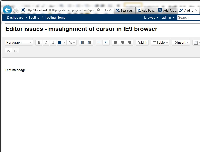
- You will encounter a misalignment of the cursor blinking on the most left line with the word "Test"
- Hit Enter button several times
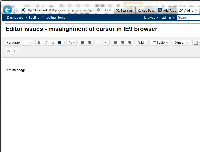
- The wording of "Test message" stayed at its original line while the cursor goes down


I have tried reproducing this problem in Confluence 4.0.x, but this problem does not happen at all. Both Firefox and IE 8 browser is working fine, only IE 9 browser is having this issue as per mentioned above.
As a workaround, use your mouse click to click on any part of the editor and the problem will go away.


- mentioned in
-
Page Loading...